
AutoCAD Practice Drawings: a Free Bootcamp in 24 Lessons
Twenty-four AutoCAD exercises in a fixed order. The first twelve cover 2D drafting from scratch; the next twelve add auxiliary views, half sections, threads, surface finish, oblique drawing, 3D modeling and an exploded assembly. Each lesson teaches a few commands on one original part, then you draw a second part on your own and check it against the solution files.
AutoCAD exercises for beginners, in order
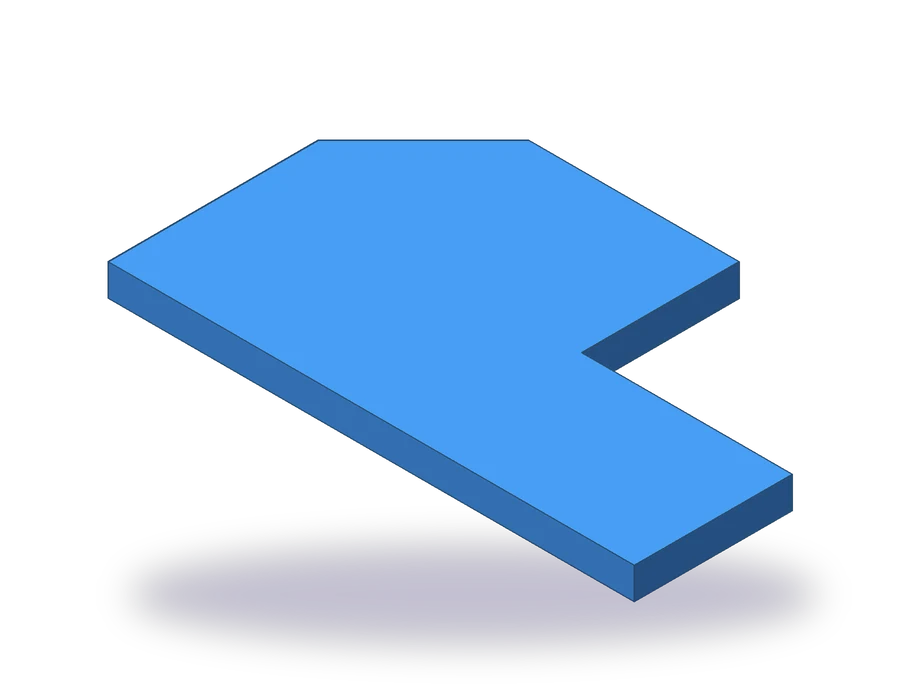
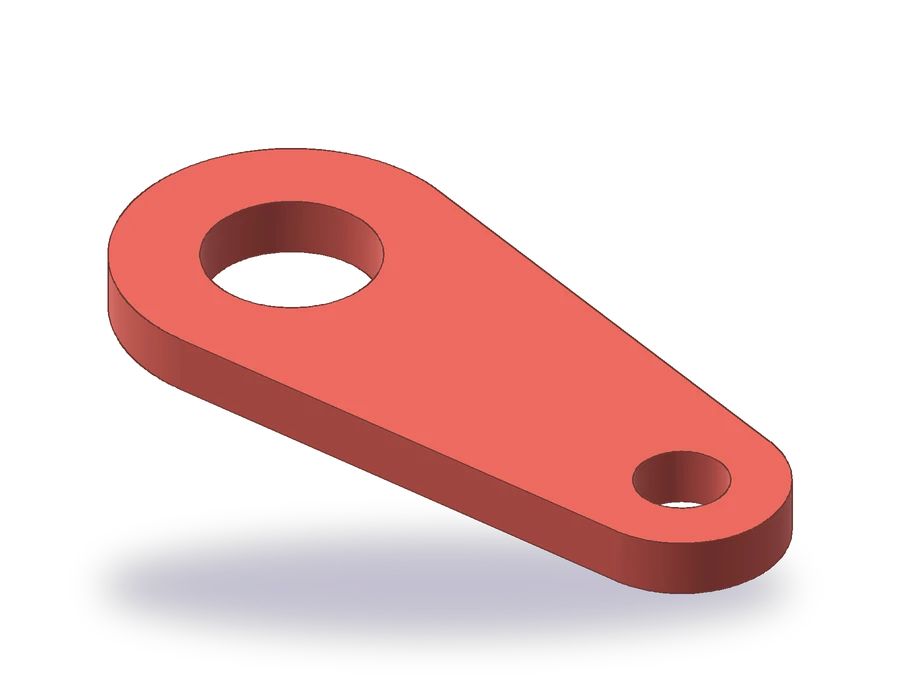


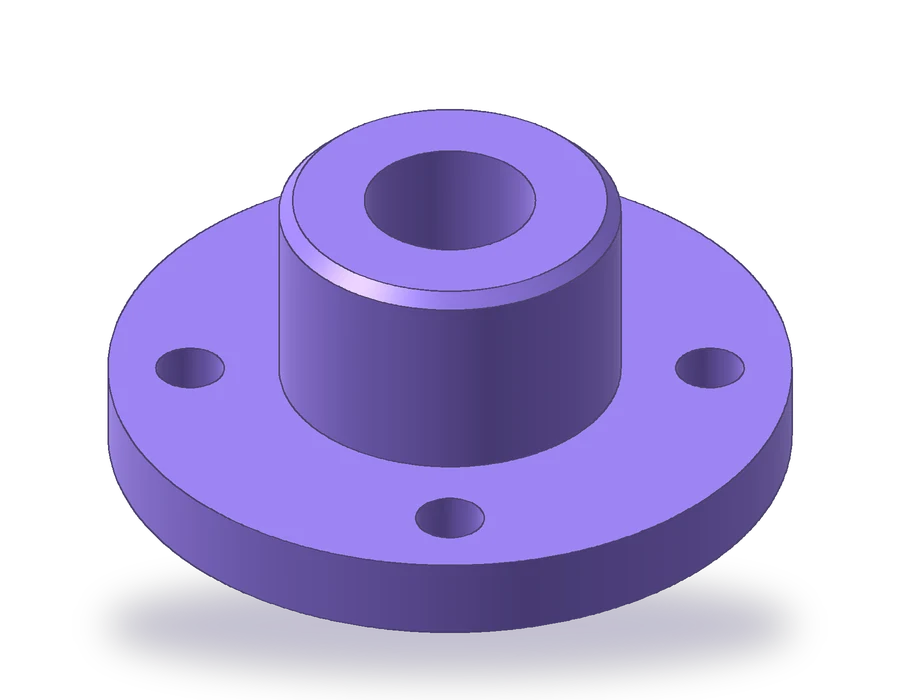
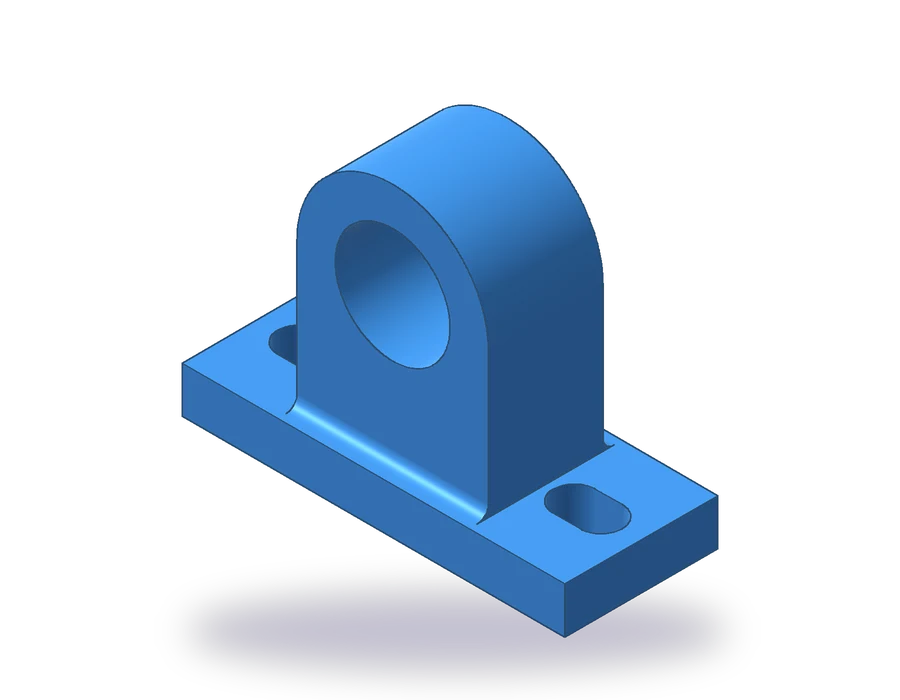
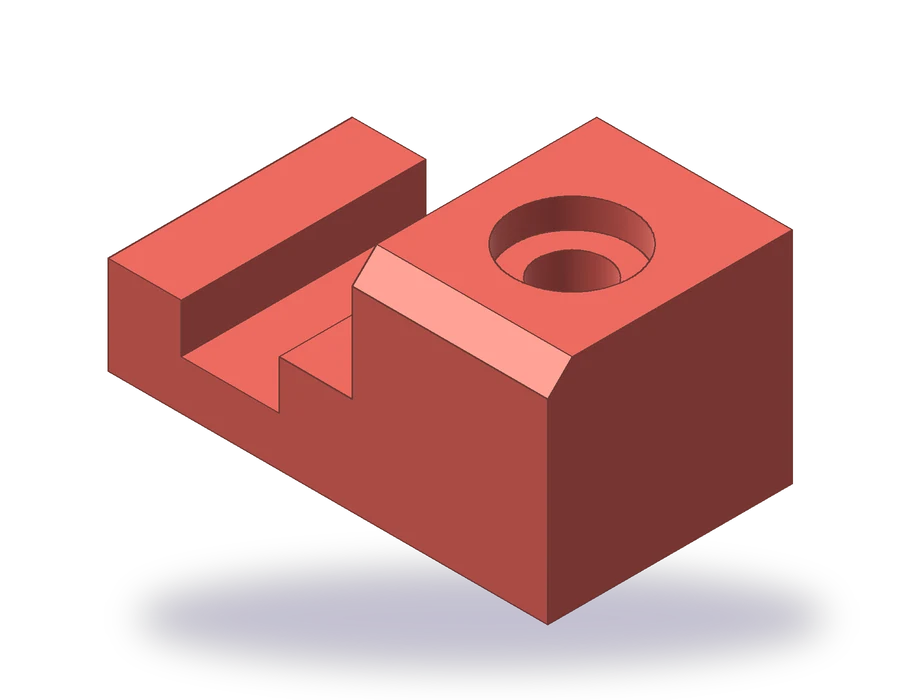
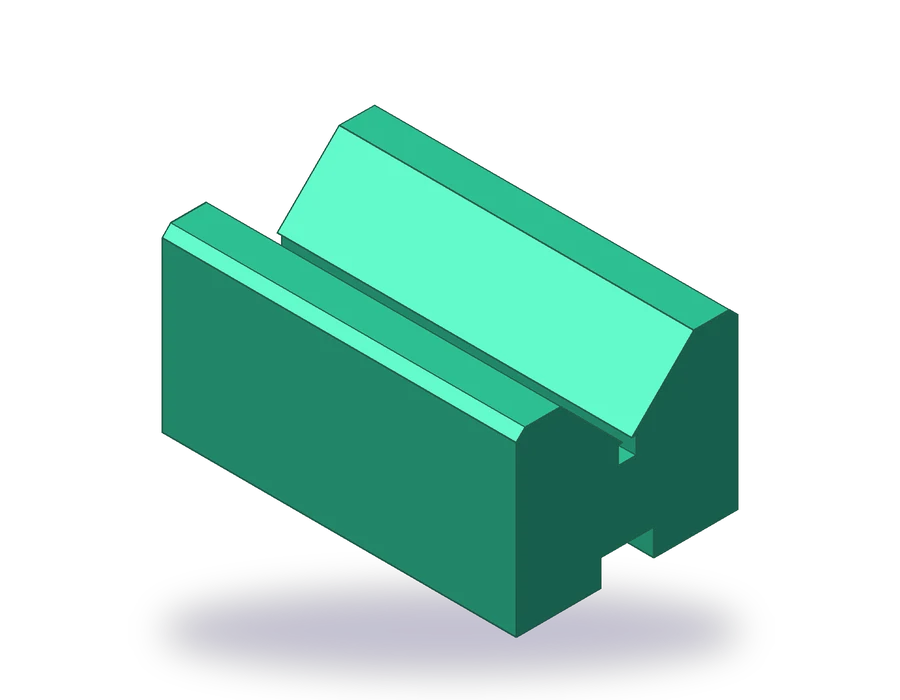


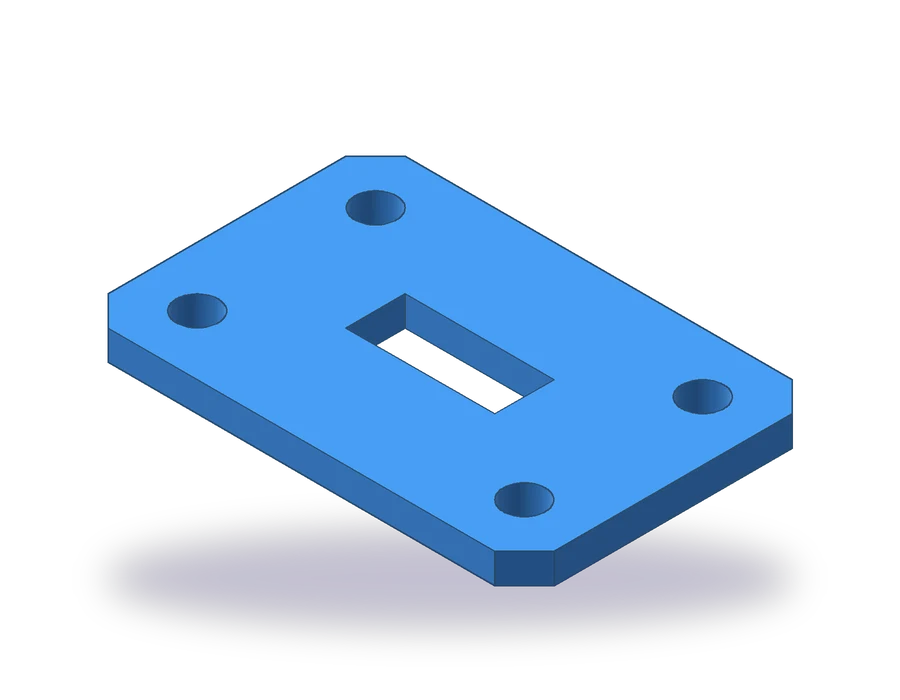

Advanced AutoCAD practice drawings: sections, threads and 3D
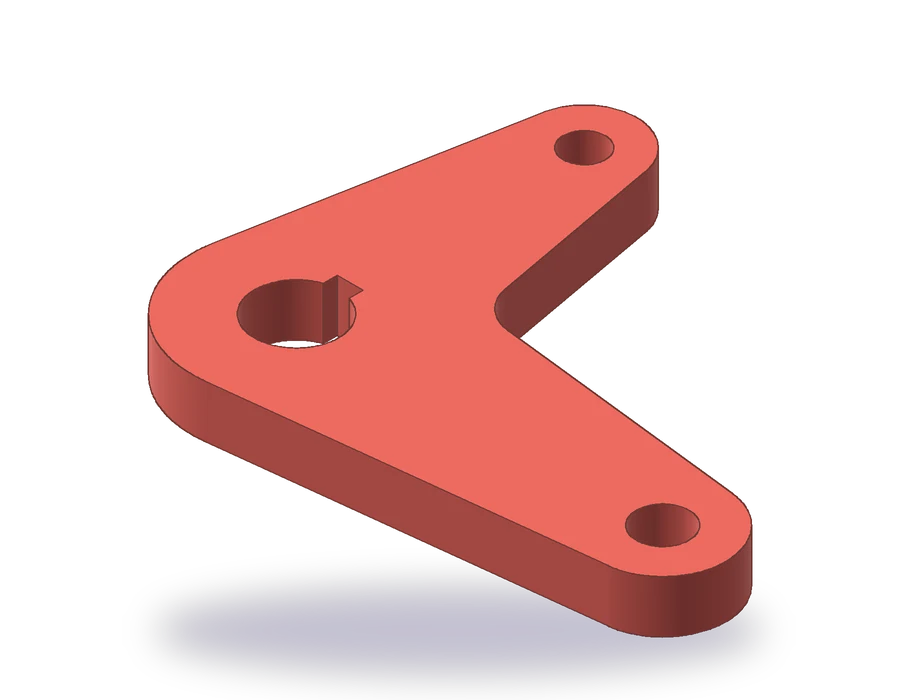
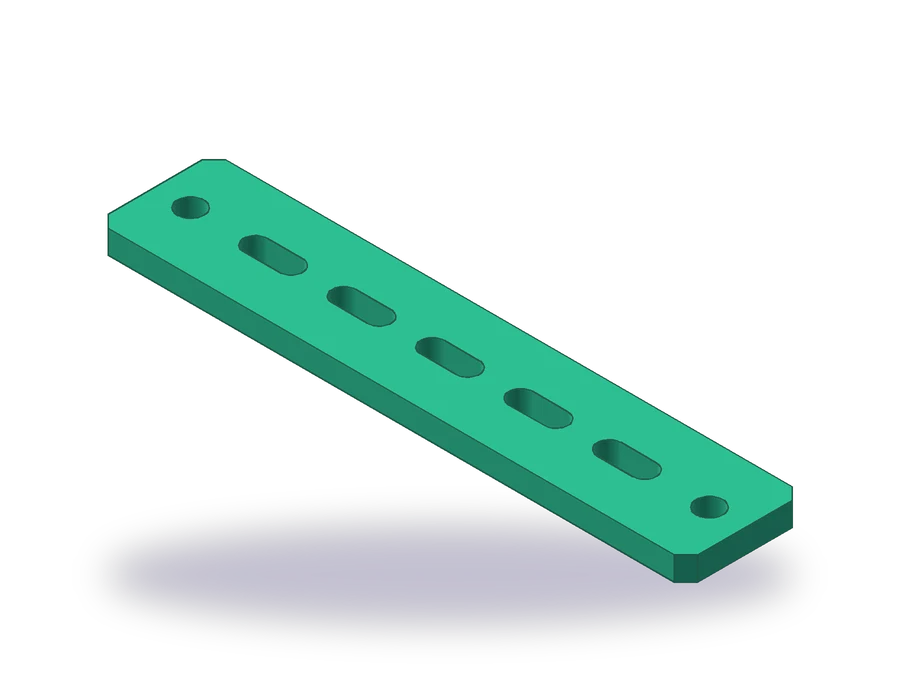


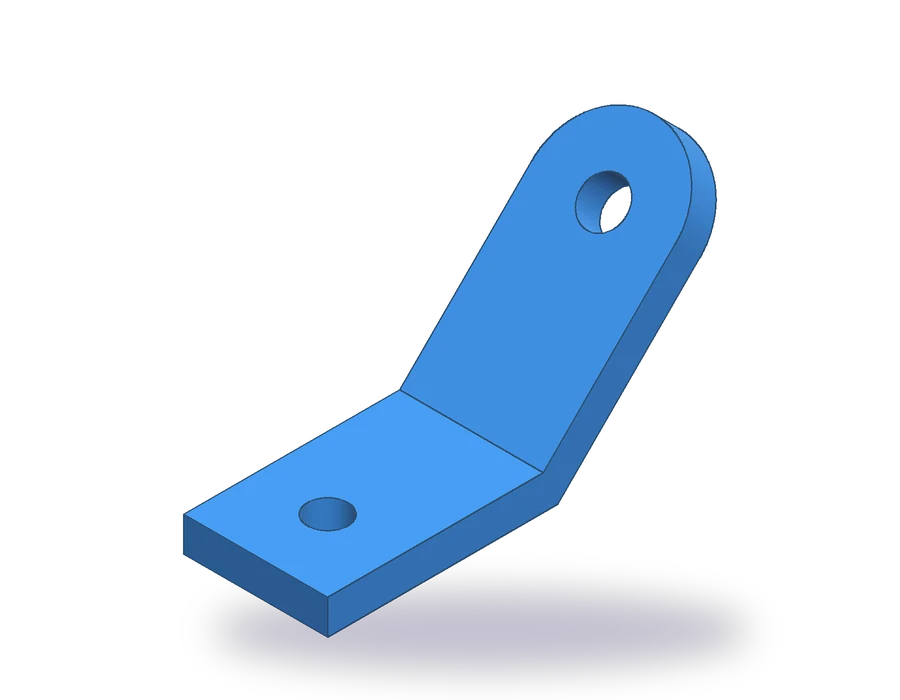
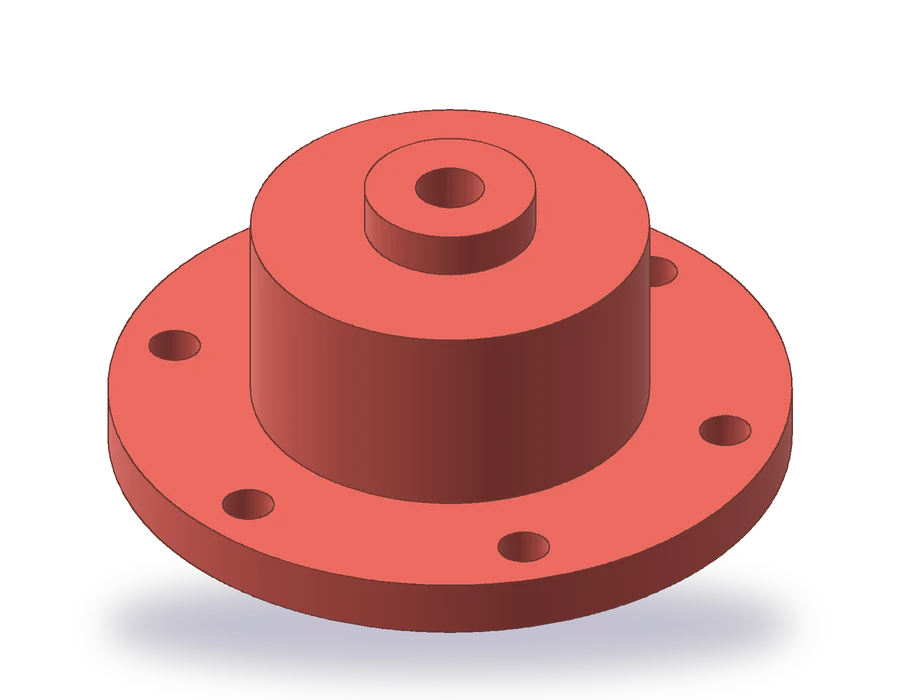
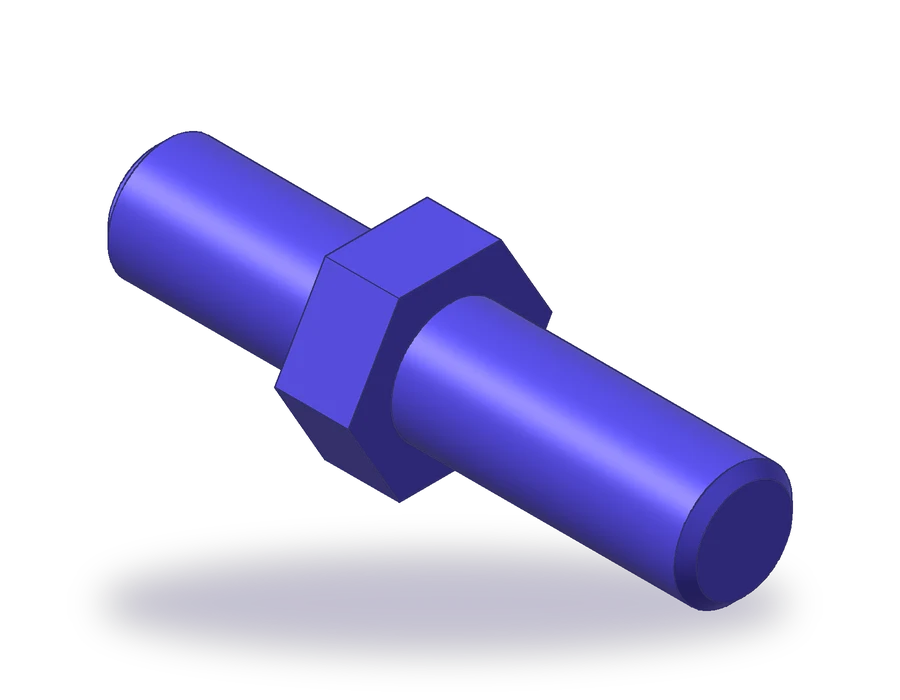

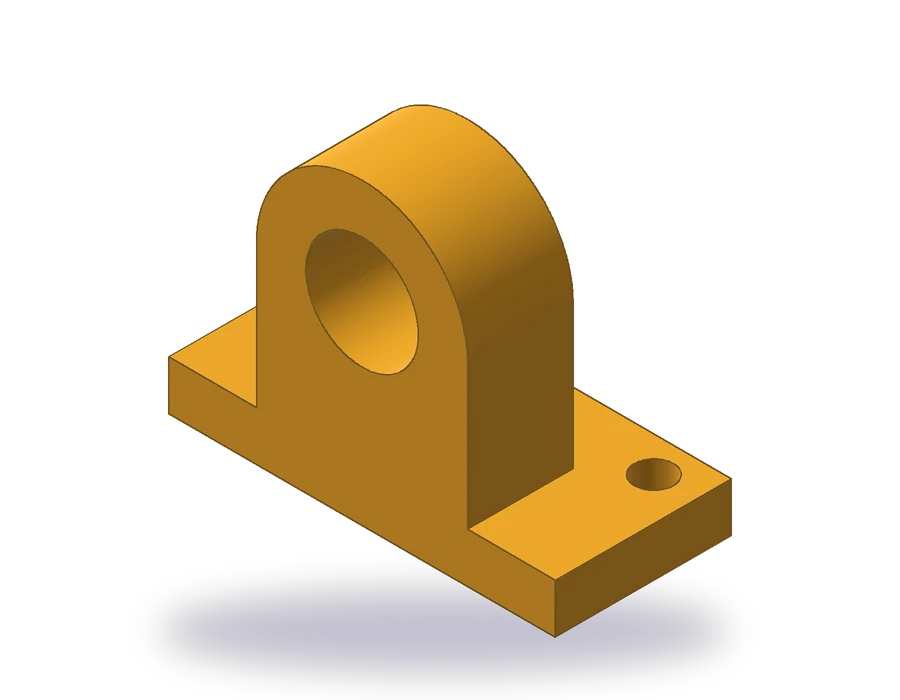
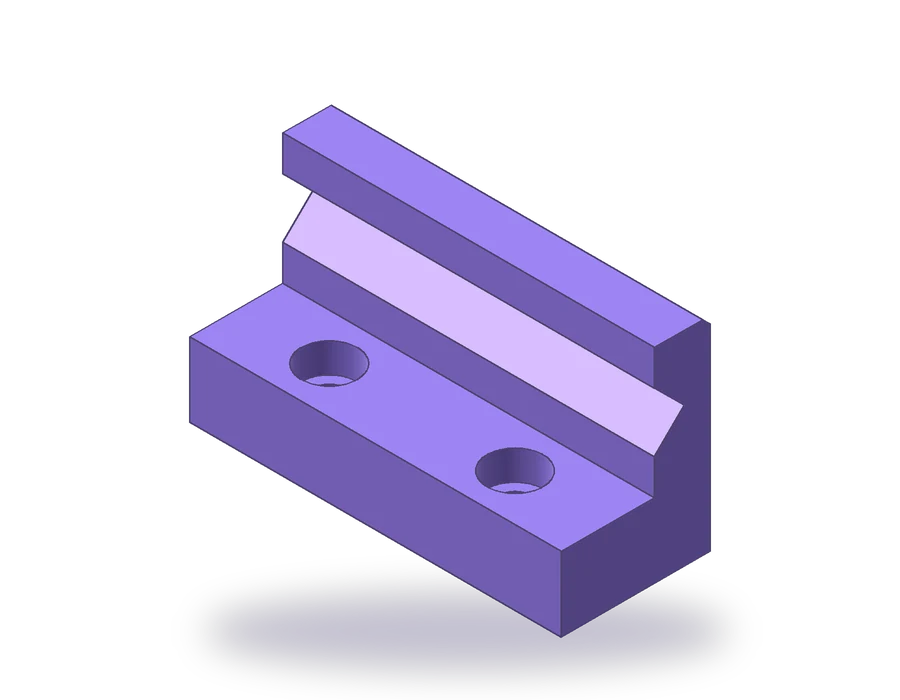
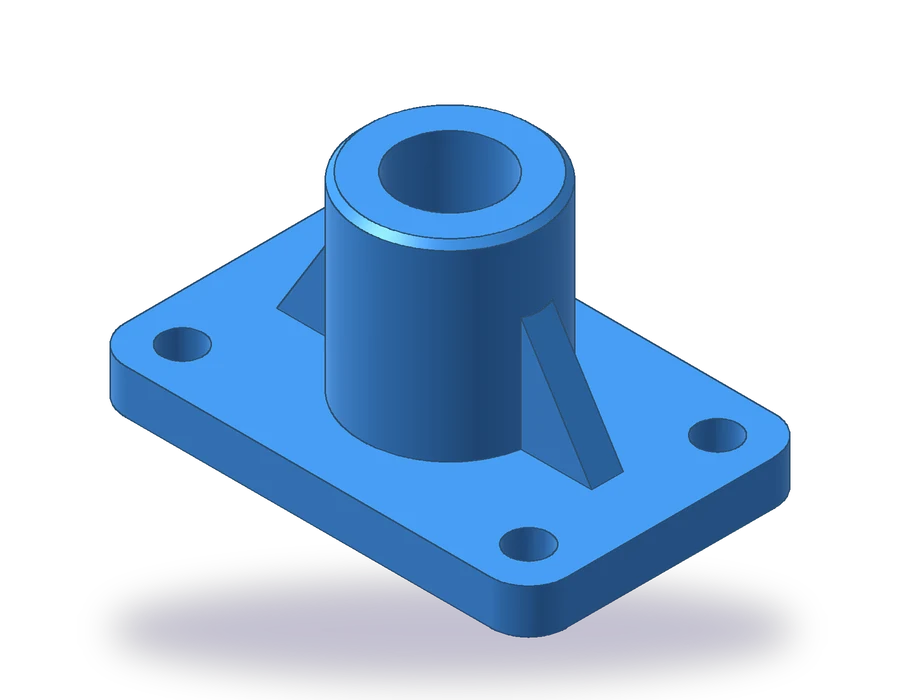

What each AutoCAD 2D practice drawing includes
- A dimensioned sheet with the views of the part, hidden lines, center lines, dimensions and a title block, in A3 format.
- The steps in order, with an image of the part at each stage and the commands and values to type.
- A practice drawing of the same part with different sizes, so you repeat the commands without help.
- Solution files for both parts: the finished drawing in DWG and DXF, a PDF to print and the 3D model in STEP and STL.
The views are drawn at full size in model space and the title block is scaled around them, the way a real drawing is set up. If you open the DWG and measure a line, you get the true size of the part.
AutoCAD practice drawings in PDF, DWG and DXF
Print the PDF and keep it next to the screen while you draw, or open the DWG to see how the finished drawing is organized: one layer per line type (visible, hidden, center, dimensions, hatch) and a dimension style you can copy. The DXF holds the same drawing for programs that do not read DWG.
Nothing asks for an email or an account. The files may be used in class under the terms of the file license.
Free AutoCAD exercises in metric and inch
Every exercise exists in two versions. The metric sheet is dimensioned in millimeters and drawn in first-angle projection, as ISO drawings are in Europe, India and most of the world. The inch sheet has its own round sizes in decimal inches and is drawn in third-angle projection, following ASME practice in the United States. Switch between them with the tabs above each drawing.
AutoCAD exercises: questions before you start
Do these AutoCAD exercises work in AutoCAD LT?
The 2D lessons, 1 to 21, use drafting, layers, dimensions, hatches, blocks and layouts, which AutoCAD LT includes. Lessons 22 to 24 build 3D solids, which need the full version of AutoCAD.
Which AutoCAD version do I need?
Any recent release. The lessons type commands on the command line, so they do not depend on where the ribbon puts each button.
How long does the whole bootcamp take?
Each lesson shows an estimated time, between 20 and 75 minutes. Most people finish the first twelve lessons in a few weeks practicing a few times a week, and the advanced part takes about as long again.
Can I skip lessons?
If you already know a command, yes. The lessons build on each other, though, so later parts assume you can use the commands from earlier ones.